1. Home
  2. Knowledge Base
  3. Biosignals Studio
  4. User Notifications in Biosignals Studio

User Notifications in Biosignals Studio

Biosignals Studio (Desktop) uses notifications to keep you informed about important events, device status changes, recommendations, and completed actions.
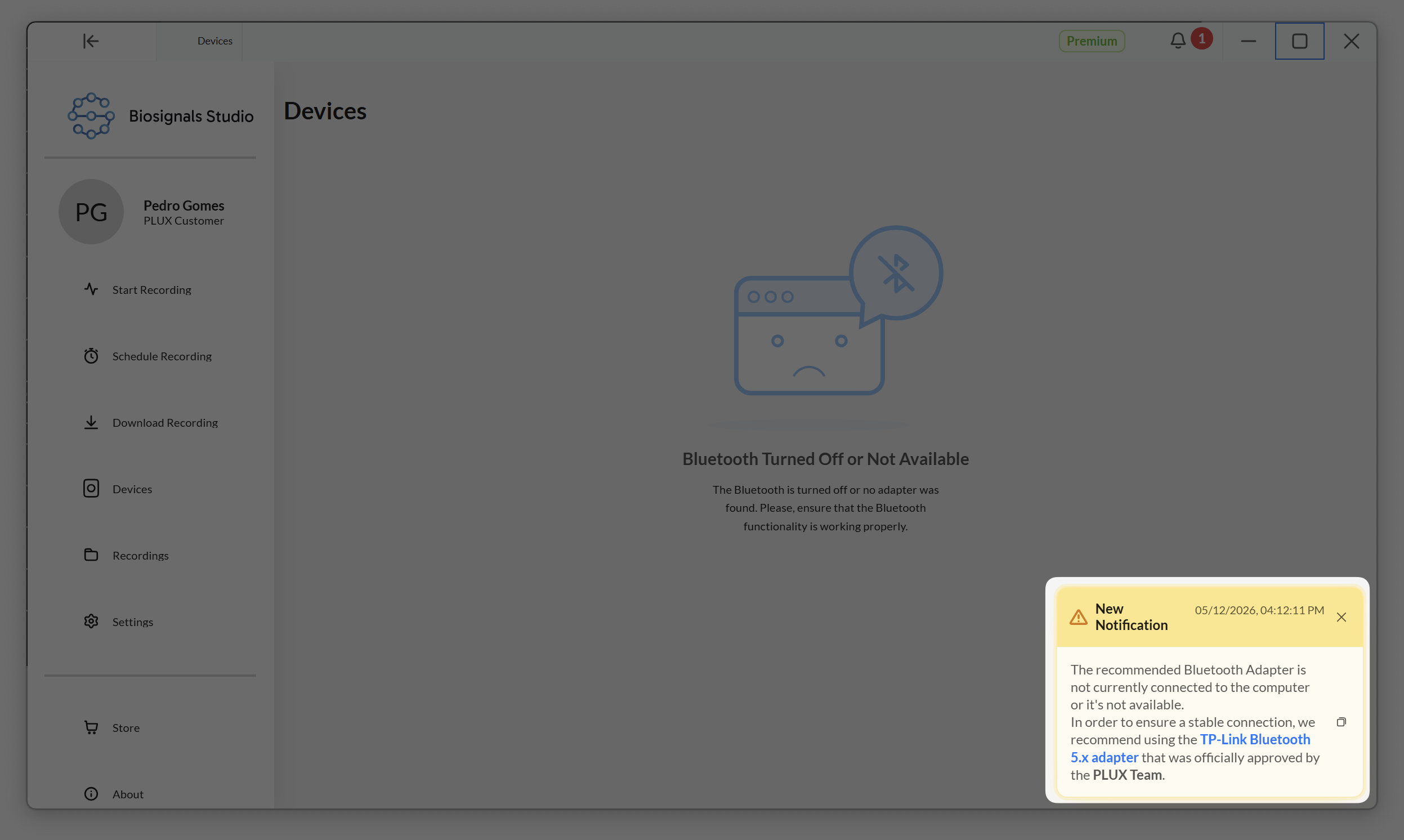
Screenshot of the Biosignals Studio user interface displaying a message indicating that Bluetooth is turned off or not available. The interface includes options for recording and a notification about Bluetooth adapter connectivity.

Notifications are categorized in the following types:

  • Successful actions (e.g., device connected succesfully))
  • Informational messages (e.g., device event)
  • Warnings (e.g., not using the recommended Bluetooth dongle)
  • Errors or critical issues (e.g., failed to load a file)

Informational and success notifications are temporary and disappear automatically after a short period. Warning and error notifications remain visible until you manually dismiss them.

All notifications, including temporary ones, remain accessible in the Notification Center through the bell icon in the top-right corner of the application, so you can review them at any time.

Screenshot of the Biosignals Studio dashboard showing a user named Pedro Gomes. The interface includes options for starting and scheduling recordings, downloading recordings, viewing devices, and accessing settings. A notification panel on the right indicates a warning about a Bluetooth adapter not being connected.


Updated on 12 de May de 2026

Was this article helpful?

Related Articles

Need Support?
Get one-to-one support for your Plux device or sensor from our team of biosignals experts.
Get Support