
Biosignals Studio (Desktop)
Biosignals Studio (Desktop) automatically checks for available updates on startup. If available, it will notify you and request your confirmation before proceeding with the installation.
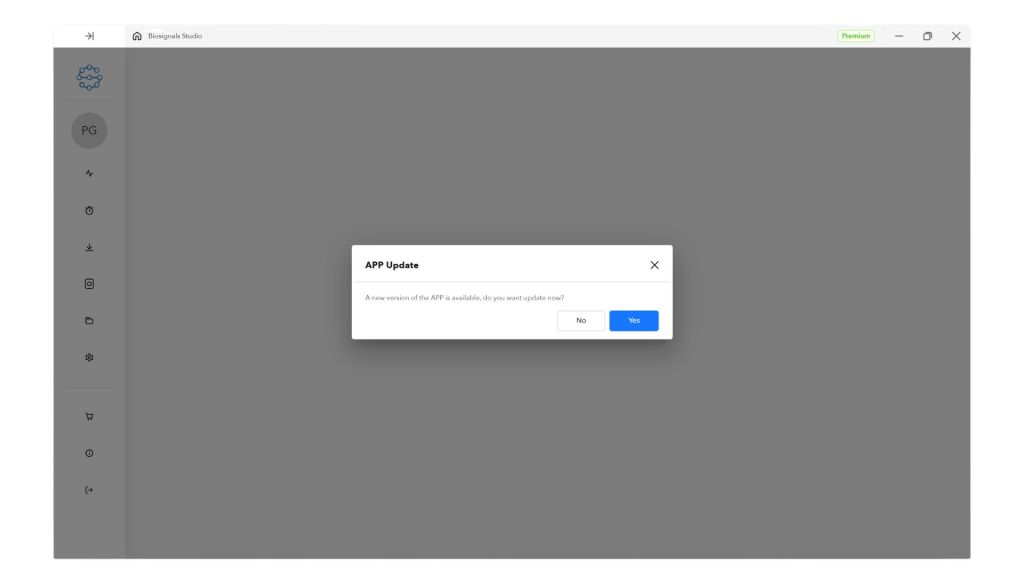
Click Yes to proceed with the update. The app may close and restart during this process.
Biosignals Studio (Mobile)
Biosignals Studio (Mobile) updates are handled through the Google Play Store. Visit the Play Store to check and install available updates:
